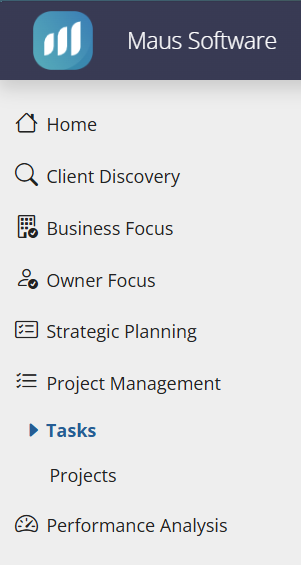
First access "Project Management", and select "Tasks" from the submenu:
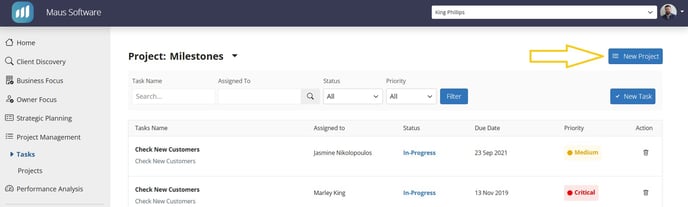
This will present you with the following screen, where you will notice a "New Project" prompt on the top right:
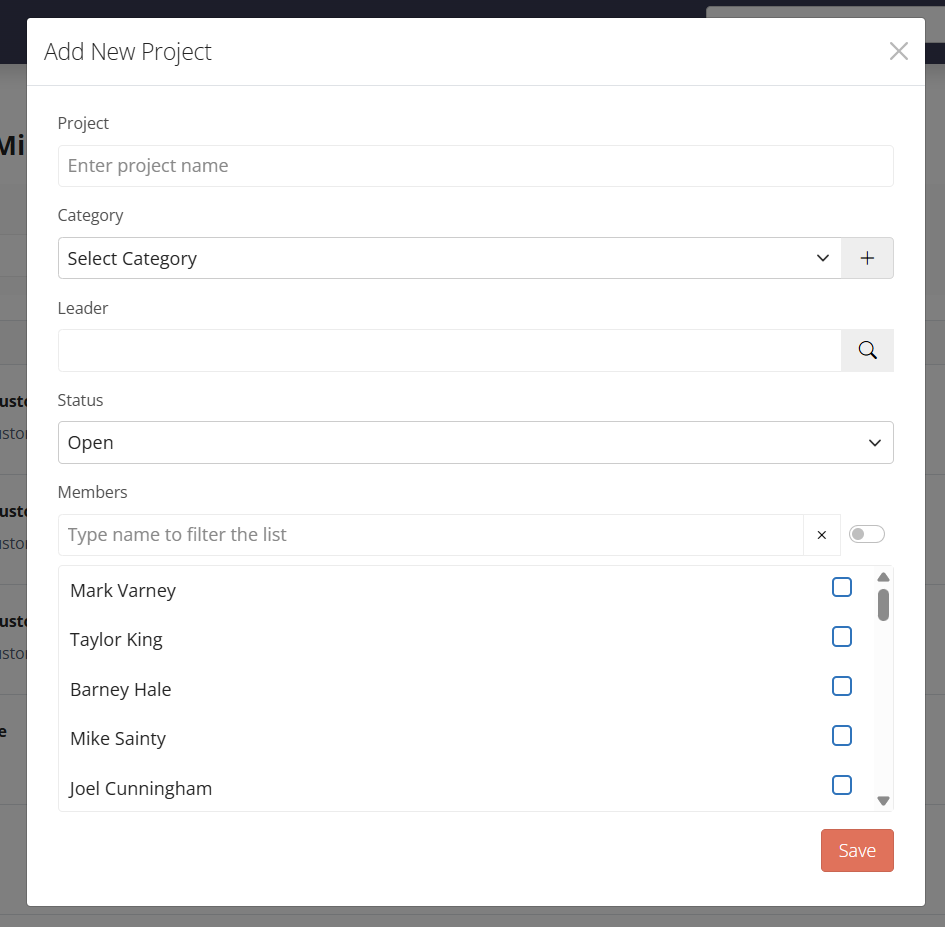
Selecting this prompt will present you with the following form, which when completed and "Save" is used, will Create your new project:
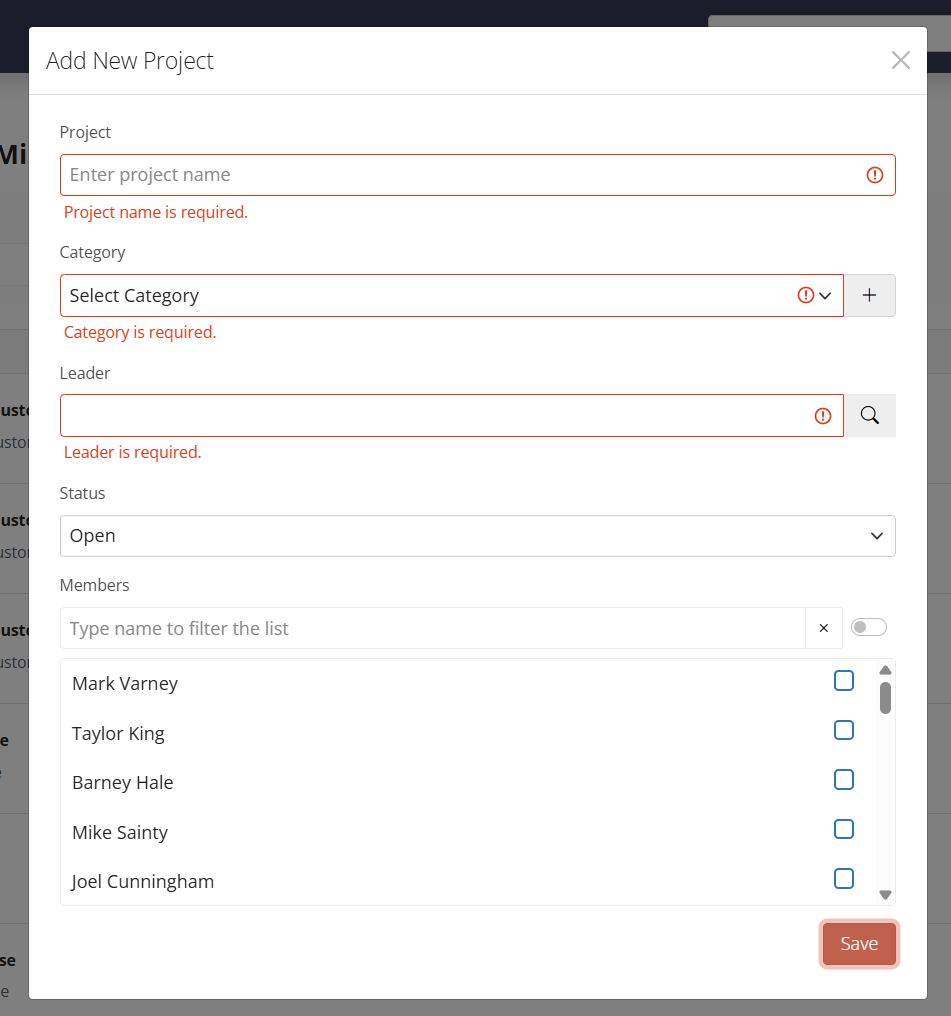
You will notice that the first 3 fields are required, with the later being optional: