How to Export Single Document
- Navigate to the Policies Manager
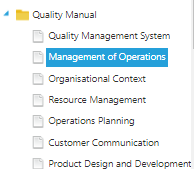
- Select the document you wish to export
- Click the Export Document button
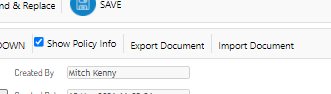
- This will download a Word version of the document to your Downloads folder
How to Import a Single Document
- Navigate to the Policies Manager
- Select the node you wish to import over
- Click the Import Document button
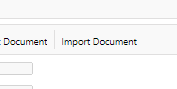
- Browse to the document you wish to import and confirm
- This will load the document into the Policies Manager - Click Save to confirm
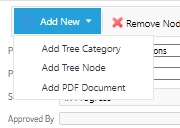
Note you can also import PDF based documents by selecting Add New > Add PDF Document.